- UID
- 1152
- 主题
- 回帖
- 0
- 精华
- 积分
- 7722
- 金币
- 枚
- 草籽
- 颗
- 鲜花
- 朵
- 注册时间
- 2025-4-16
- 最后登录
- 1970-1-1
|
楼主 |
发表于 2025-10-30 19:47
|
显示全部楼层
本帖最后由 云端漫步 于 2025-10-31 12:20 编辑
这代码是明码,代码我写清楚了,发表时去除中文行/* 可根据需要调整透明度 */。你可照着做。
- <style>
- #mydiv {
- margin: 130px 0 30px calc(50% - 800px);
- display: grid;
- place-items: center;
- width: 1800px;
- height: 900px;
- background: lightblue url('https://webftp-bbs.hnol.net/ggkj2017/yunduanmanbu/16/6/5/hhb.jpg') no-repeat center/cover;
- box-shadow: 3px 3px 20px #000;
- user-select: none;
- overflow: hidden;
- position: relative;
- z-index: 1;
- }
- #vid {
- position: absolute;
- width: 100%;
- height: 100%;
- object-fit: cover;
- pointer-events: none;
- mix-blend-mode: screen;
- mask: linear-gradient(to top right, red 88%, transparent 0);
- -webkit-mask: linear-gradient(to top right, red 88%, transparent 0);
- z-index: 2;
- opacity: .75;
- }
- #vid2 {
- position: absolute;
- width: 130%;
- height: 130%;
- object-fit: cover;
- pointer-events: none;
- mix-blend-mode: screen; /* 滤色模式 */
- z-index: 3;
- opacity: 0.8; /* 可根据需要调整透明度 */
- }
- /* 鱼图片样式 */
- #fish {
- position: absolute;
- right: 150px; /* 右侧距离 */
- bottom: 150px; /* 底部距离 */
- width: 180px; /* 宽度 */
- height: 120px; /* 高度 */
- z-index: 4; /* 确保显示在其他元素上方 */
- }
- /* 新增中间的两条鱼样式 */
- #fish2 {
- position: absolute;
- left: 60%; /* 左侧距离,偏中间位置 */
- top: 65%; /* 顶部距离,偏中间位置 */
- width: 200px;
- height: 140px;
- z-index: 4;
- transform: scaleX(-1); /* 水平翻转,让鱼朝左游 */
- }
- #fish3 {
- position: absolute;
- right: 35%; /* 右侧距离,偏中间位置 */
- bottom: 40%; /* 底部距离,偏中间位置 */
- width: 160px;
- height: 110px;
- z-index: 4;
- }
- /* 鱼群样式 */
- .fish-school {
- position: absolute;
- z-index: 4;
- }
- /* 人物图片样式 */
- #character {
- position: absolute;
- width: 100%; /* 与底图相同宽度 */
- height: 100%; /* 与底图相同高度 */
- object-fit: cover; /* 保持比例填充容器 */
- z-index: 5; /* 确保显示在其他元素上方 */
- }
- </style>
-
- <div id="mydiv">
- <audio id="aud" src="https://mp3.joy127.com/music/12604.mp3" autoplay loop></audio>
- <video id="vid" src="https://img.tukuppt.com/video_show/15653652/00/80/83/60d04564c32f7.mp4" autoplay="" loop="" muted=""></video>
- <video id="vid2" src="https://img.tukuppt.com/video_show/7165162/00/17/65/5ecb8aff3ce01.mp4" autoplay="" loop="" muted=""></video>
- <!-- 鱼图片元素 -->
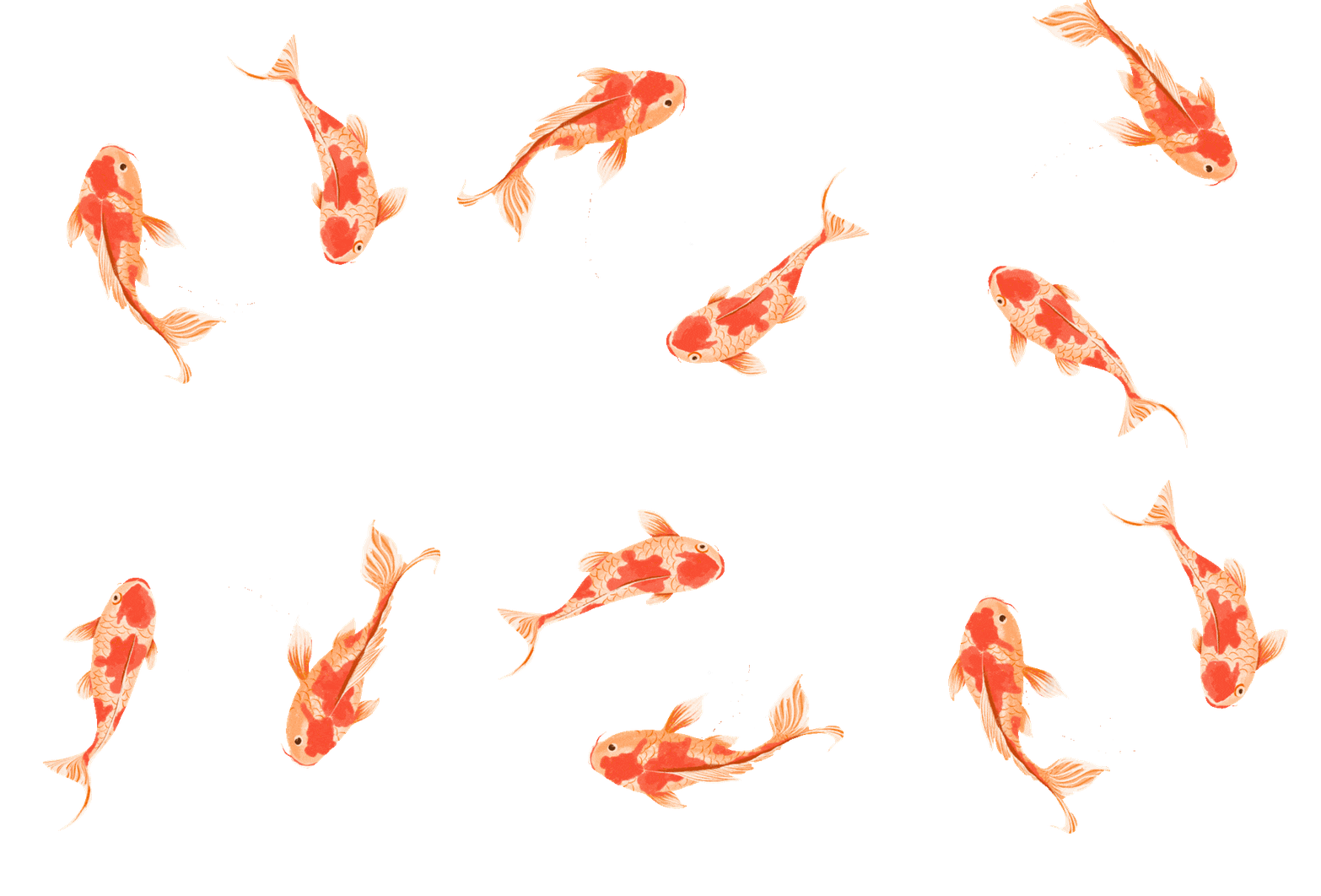
- <img id="fish" src="https://webftp-bbs.hnol.net/ggkj2017/yunduanmanbu/16/6/5/ee.gif" alt="鱼">
- <img id="fish2" src="https://webftp-bbs.hnol.net/ggkj2017/yunduanmanbu/16/6/5/ee.gif" alt="鱼">
- <img id="fish3" src="https://webftp-bbs.hnol.net/ggkj2017/yunduanmanbu/16/6/5/ee.gif" alt="鱼">
- <!-- 鱼群元素 -->
- <img class="fish-school" src="https://webftp-bbs.hnol.net/ggkj2017/yunduanmanbu/16/6/5/ee.gif" alt="鱼">
- <img class="fish-school" src="https://webftp-bbs.hnol.net/ggkj2017/yunduanmanbu/16/6/5/ee.gif" alt="鱼">
- <img class="fish-school" src="https://webftp-bbs.hnol.net/ggkj2017/yunduanmanbu/16/6/5/ee.gif" alt="鱼">
- <img class="fish-school" src="https://webftp-bbs.hnol.net/ggkj2017/yunduanmanbu/16/6/5/ee.gif" alt="鱼">
- <img class="fish-school" src="https://webftp-bbs.hnol.net/ggkj2017/yunduanmanbu/16/6/5/ee.gif" alt="鱼">
- <!-- 新增人物图片元素 -->
- <img id="character" src="https://webftp-bbs.hnol.net/ggkj2017/yunduanmanbu/16/6/5/hhg.png" alt="人物">
- </div>
- <script>
- // 初始化鱼群动画
- document.addEventListener('DOMContentLoaded', function() {
- const fishSchool = document.querySelectorAll('.fish-school');
- const container = document.getElementById('mydiv');
- const containerWidth = container.offsetWidth;
- const containerHeight = container.offsetHeight;
-
- // 为每条鱼设置初始位置和动画
- fishSchool.forEach((fish, index) => {
- // 随机大小 (50-120px)
- const size = 50 + Math.random() * 70;
- fish.style.width = `${size}px`;
- fish.style.height = `${size * 0.67}px`; // 保持原比例
-
- // 从右下角偏中位置出发
- const startX = containerWidth - 300 + Math.random() * 200;
- const startY = containerHeight - 300 + Math.random() * 150;
- fish.style.left = `${startX}px`;
- fish.style.top = `${startY}px`;
-
- // 随机水平翻转(部分鱼朝左游,部分朝右游)
- if (Math.random() > 0.7) {
- fish.style.transform = 'scaleX(-1)';
- }
-
- // 动画函数 - 向中间游动
- function animateFish() {
- // 随机目标位置(中间区域)
- const targetX = containerWidth * 0.3 + Math.random() * containerWidth * 0.4;
- const targetY = containerHeight * 0.3 + Math.random() * containerHeight * 0.4;
- const duration = 15000 + Math.random() * 20000; // 15-35秒
- const startTime = performance.now();
-
- function move(currentTime) {
- const elapsed = currentTime - startTime;
- const progress = Math.min(elapsed / duration, 1);
-
- // 缓动函数 - 使运动更自然
- const easeProgress = 1 - Math.pow(1 - progress, 3);
-
- // 计算当前位置
- const currentX = startX + (targetX - startX) * easeProgress;
- const currentY = startY + (targetY - startY) * easeProgress;
-
- fish.style.left = `${currentX}px`;
- fish.style.top = `${currentY}px`;
-
- // 到达目标后重新设置动画
- if (progress < 1) {
- requestAnimationFrame(move);
- } else {
- // 短暂停留后重新开始
- setTimeout(animateFish, 2000 + Math.random() * 3000);
- }
- }
-
- requestAnimationFrame(move);
- }
-
- // 错开动画开始时间,使鱼群运动更自然
- setTimeout(animateFish, index * 1000);
- });
- });
- </script>
|
评分
-
4
查看全部评分
-
|



 发表于 2025-10-30 18:29



 发表于 2025-10-30 21:02
 不懂音画的来啦,欢迎不,哈哈哈